Resolution Center — AeroLedger 1.0
Last scraped: 2026-06-18 09:13:27.130275
Apple (Today 10:48 AM) · 2026-06-18 09:13:27.131182
Hello,

We noticed this is your first app submission and want to congratulate you on joining the Apple Developer Program. We look forward to working together on your submissions.

When App Review identifies an issue with a submission, we’ll contact you with a message in App Store Connect with details about what we found and how to resolve the issue. Learn more about App Review and tips for a smooth review experience.

See below for additional information about the issues that require your attention for this submission. If you have any questions, we are here to help. Reply to this message in App Store Connect and let us know.


Review Environment
Submission ID: 44175ec7-bd5b-410b-b59c-17e365444be1
Review date: June 18, 2026
Review Device: iPad Air (5th generation)
Version reviewed: 1.0 (1)


Guideline 4 - Design

Issue Description

There are issues with the app's user interface that contribute to a lower-quality user experience than App Store users expect. Specifically, the app has no return/back command when we choose "How to Play" and "Menu" button takes you back to the login menu.

Next Steps

Revise the app to address all instances of the issues identified above.

Note that users expect apps they download to function on all the devices where they are available. For example, apps that may be downloaded onto iPad devices should function as expected for iPad users. Learn more about supporting apps on compatible devices.

Resources

- Learn more about App Store design requirements in guideline 4.
- Learn foundational design principles from Apple designers and the developer community.
- Visit Accessibility on iOS to learn more about delivering a superior mobile experience to every customer.

Support
- Reply to this message in your preferred language if you need assistance. If you need additional support, use the Contact Us module.
- Consult with fellow developers and Apple engineers on the Apple Developer Forums.
- Provide feedback on this message and your review experience by completing a short survey.
Attachments (2):
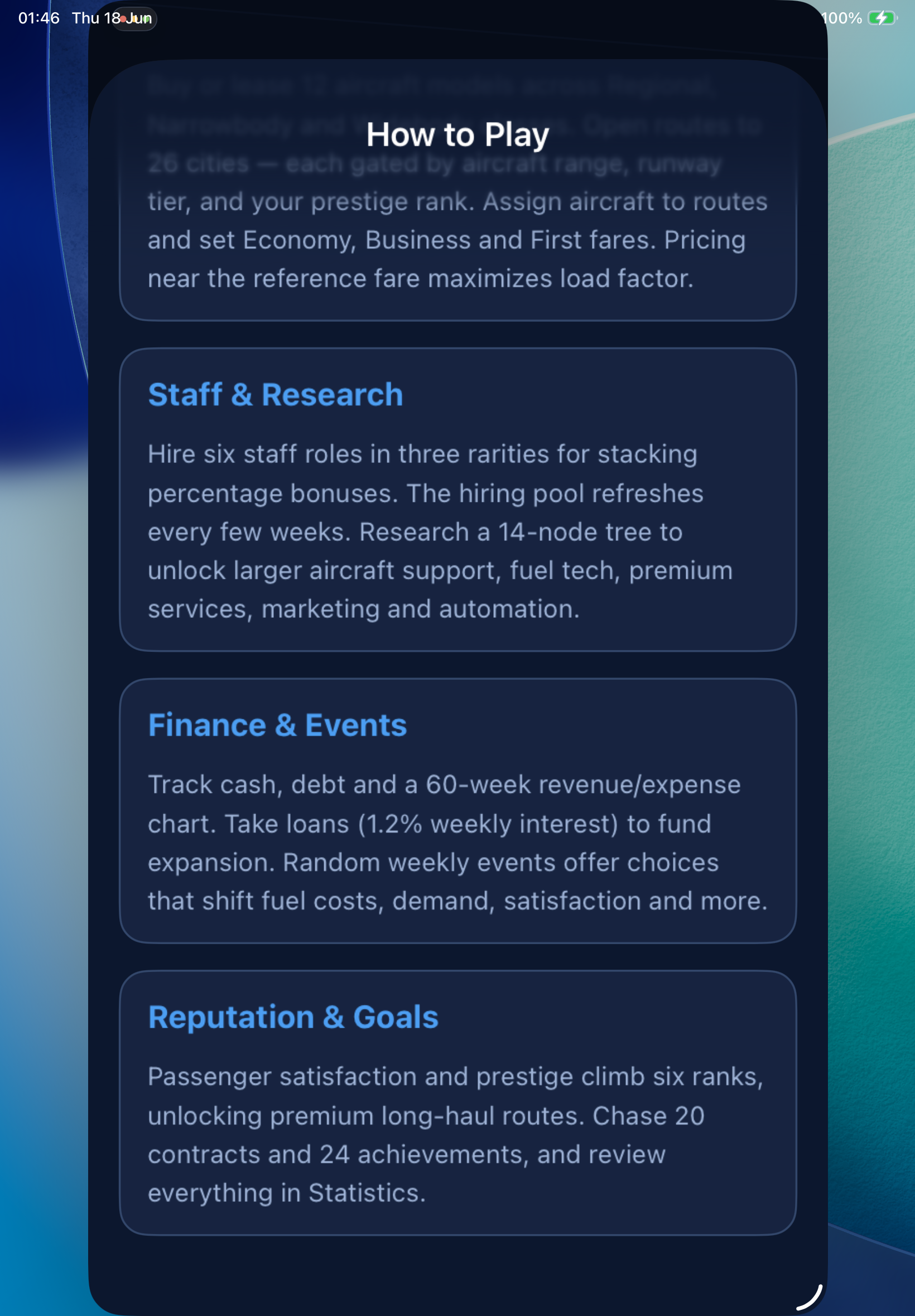
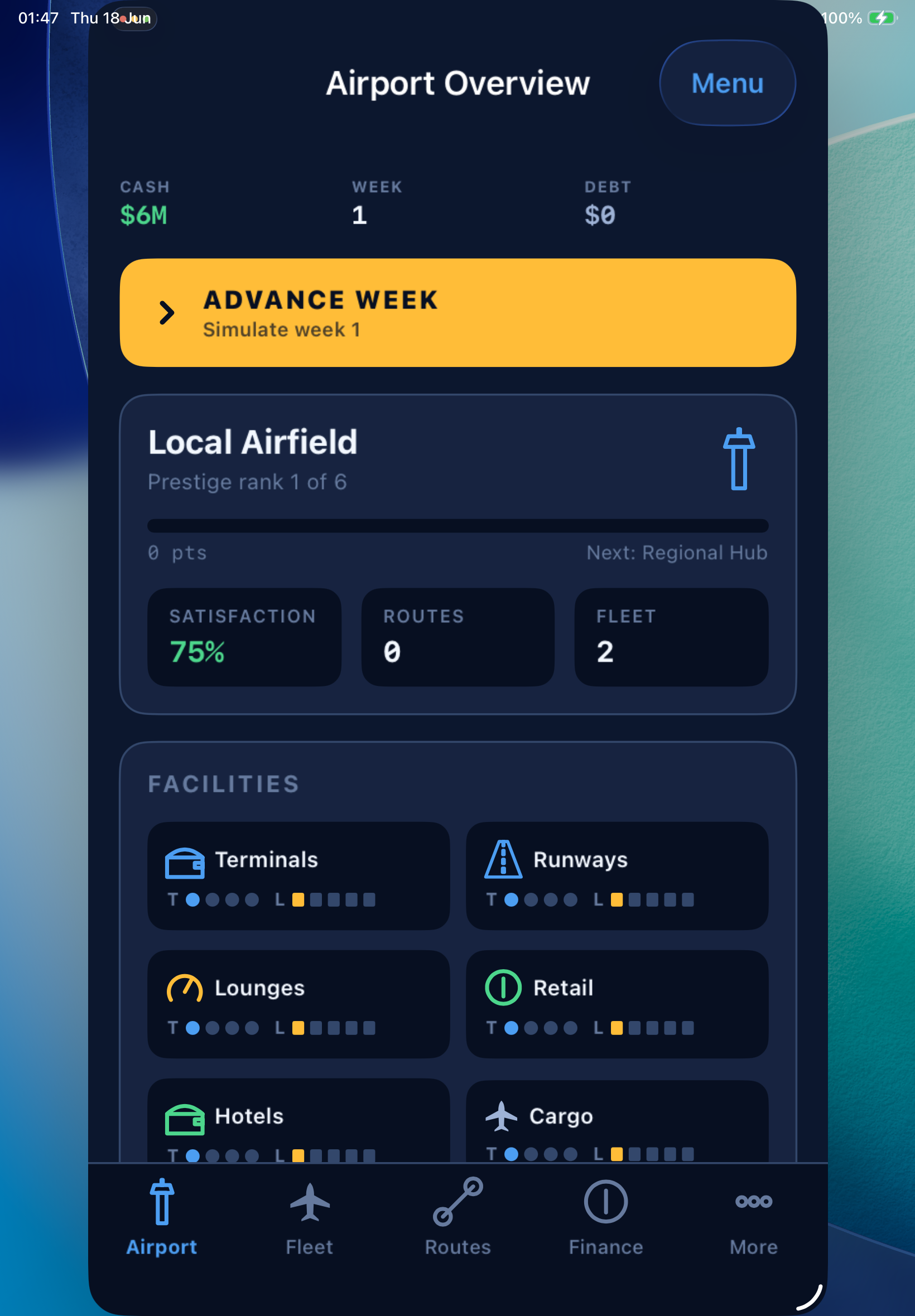
items_submitted · 1647549 B
items_submitted · 1196328 B
Ответить с фиксом
1. Скриншоты
📸 Manage screenshots залей iPad / iPhone слоты — они сами зарезайзятся под Apple-dims. На Send новые скрины пушатся в Apple (PUSH_METADATA) до клика «Resubmit».
2. Билд